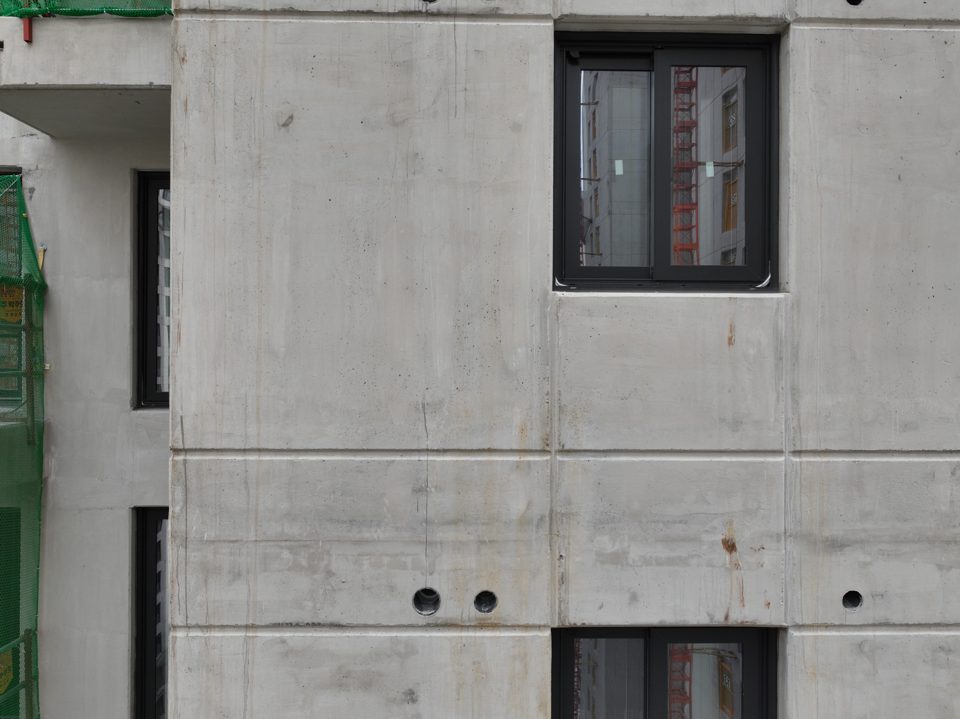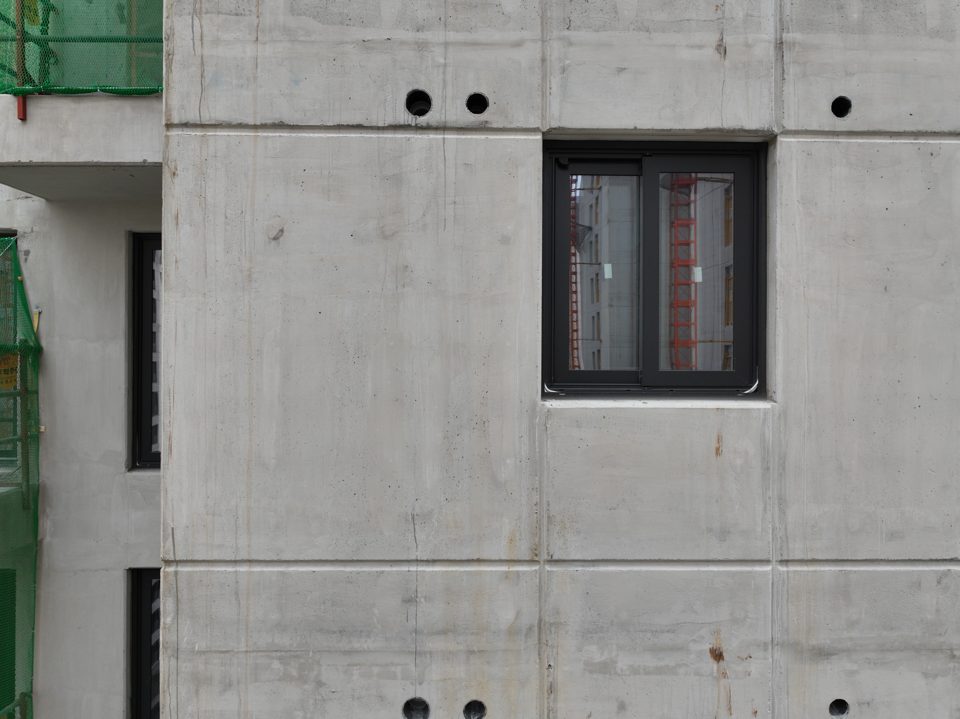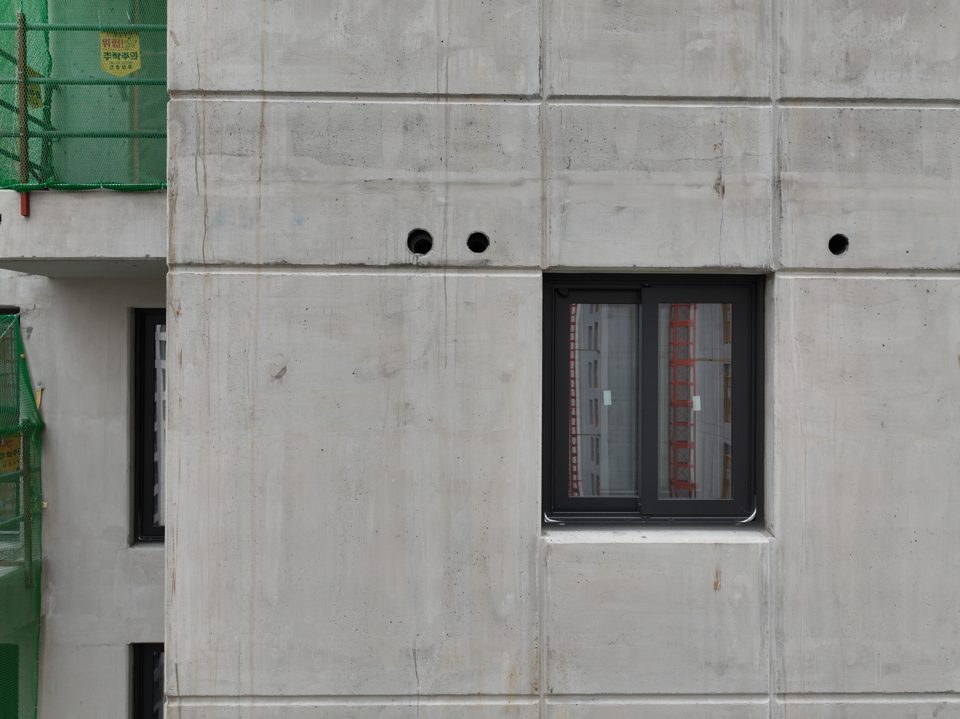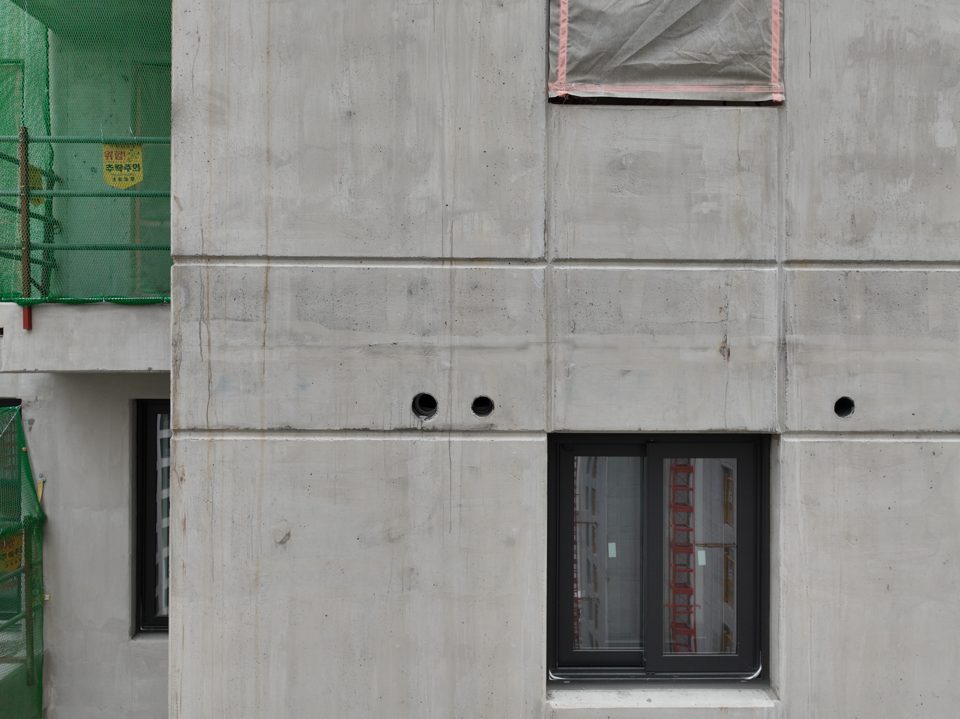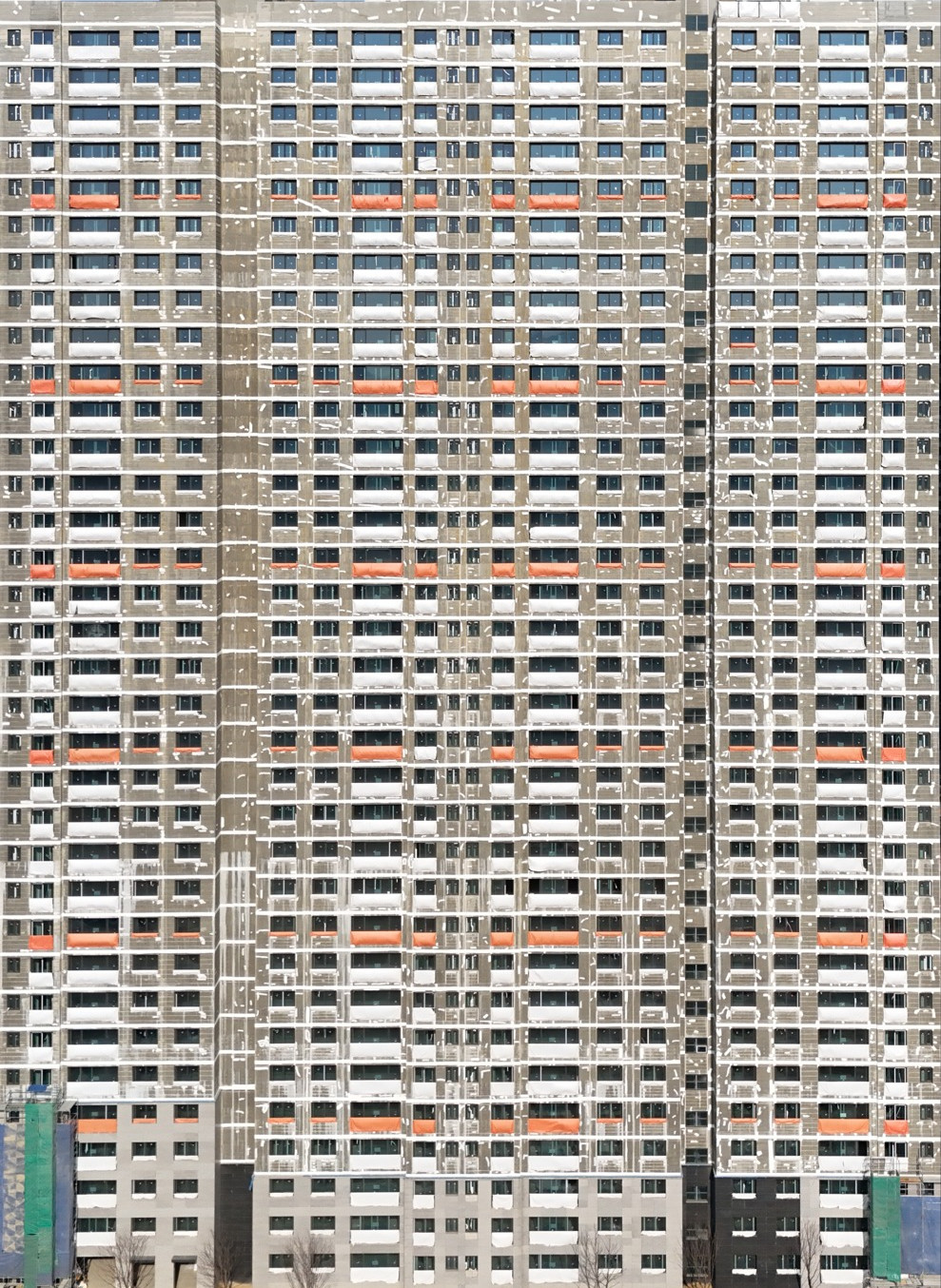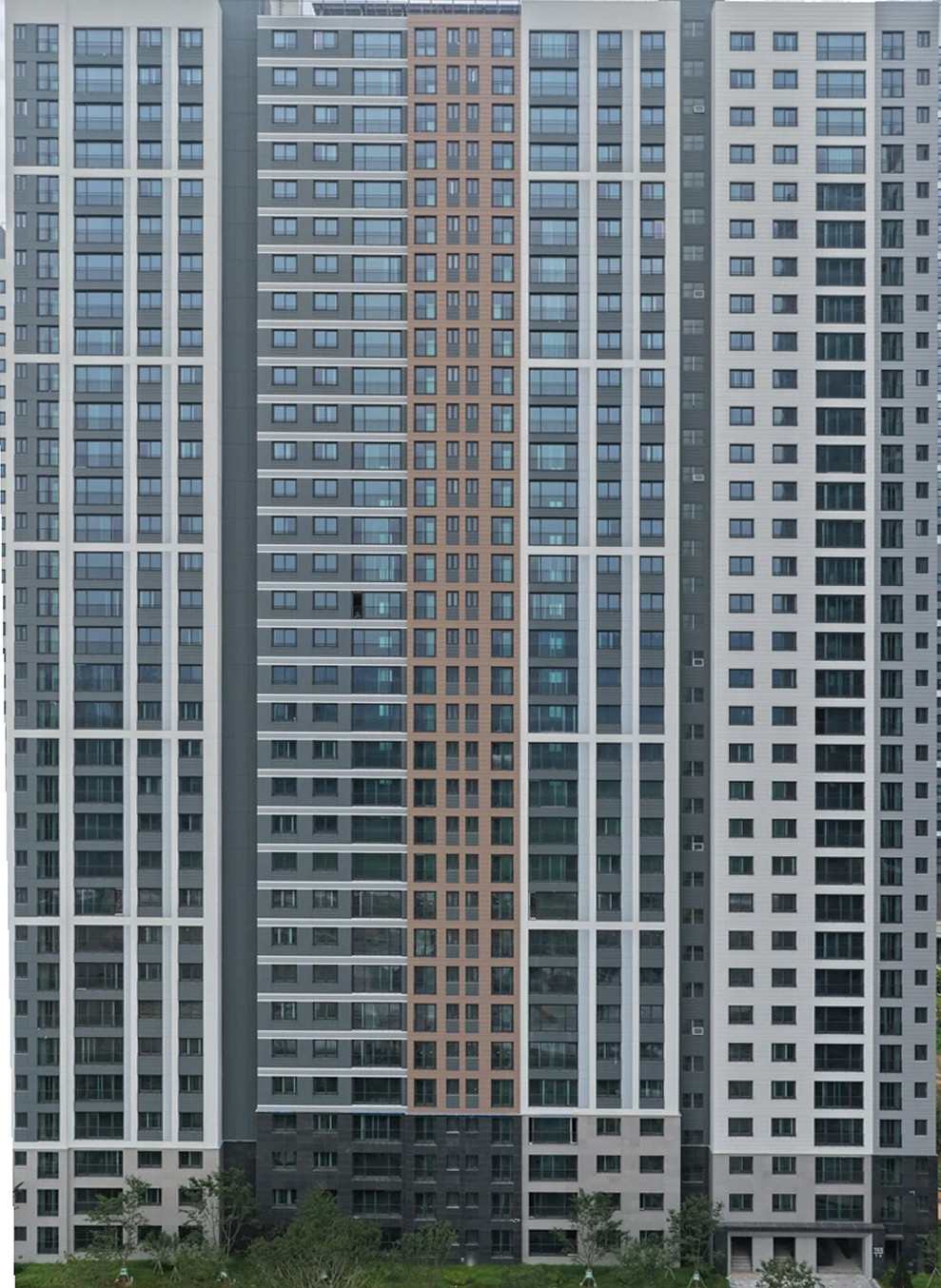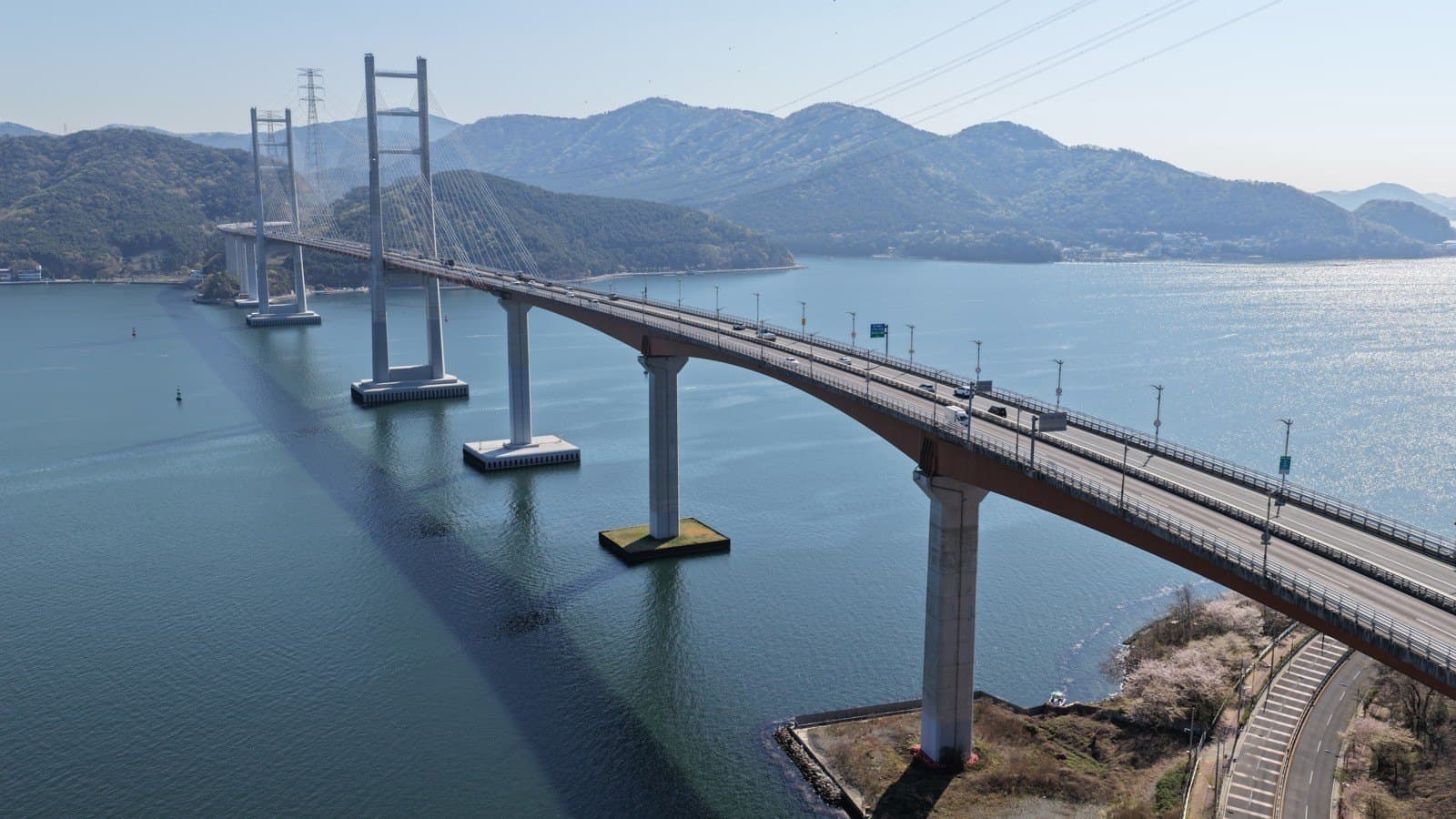
Vision AI rebuilds an entire structure as a single set of inspection data.

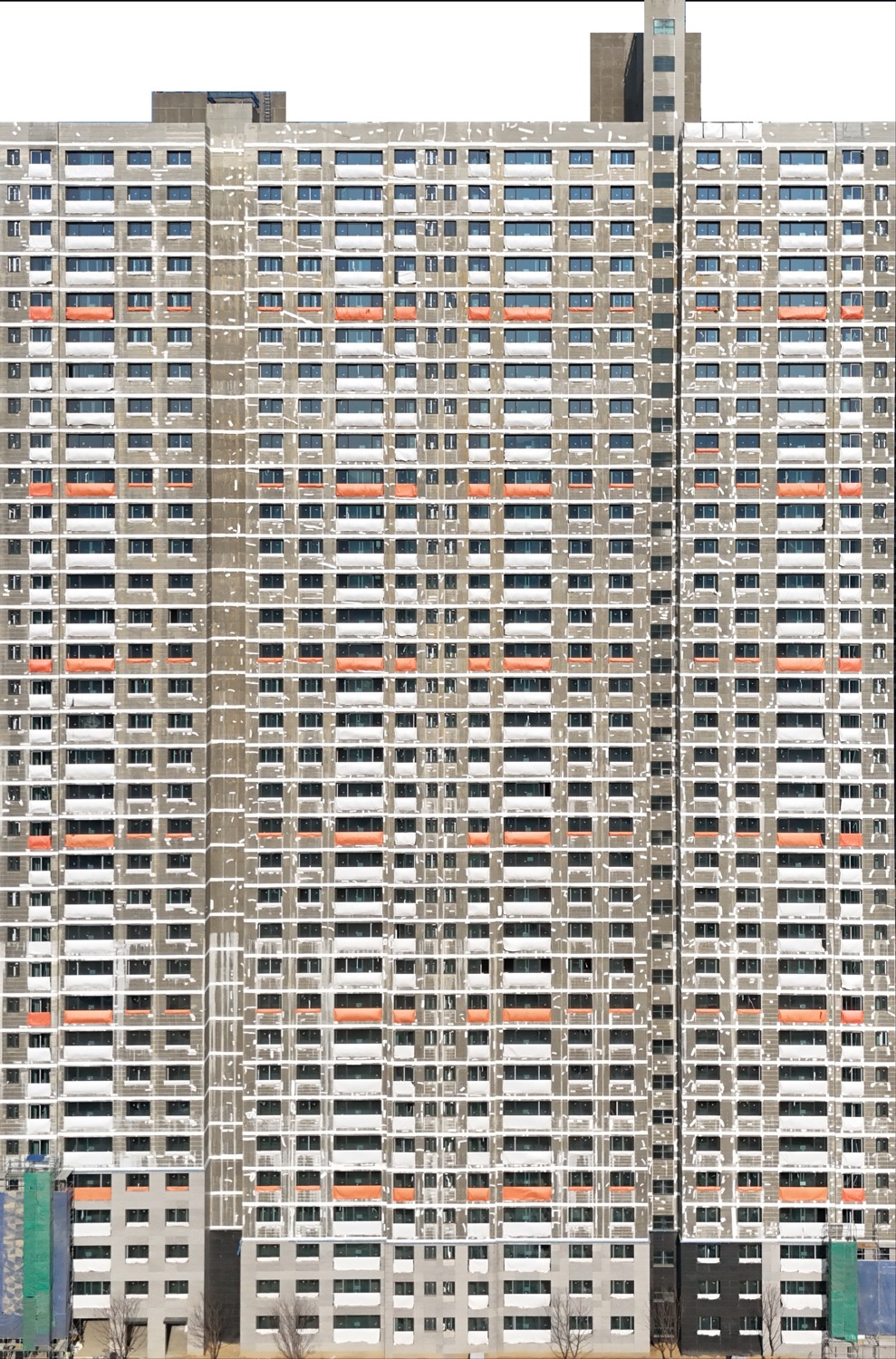
KO-Detect Pro is AI-based image analysis software for visual inspection. It stitches large sets of images from drones, scanners and cameras into a single image, and converts the damage detected by AI into real-world dimensions.

How it works

AI analyzes the captured images and carries them through to deliverables.

See on real screens what goes in and what comes out at each step.

01 / Facility registration

Register the facility and the inspection round.

Start an inspection by registering facility details and the base drawing.

  • Registered in three levels: facility → management group → management unit
  • The base drawing is reused in later inspections
  • A round is created by entering its start and end dates

02 / Photo import

Import the photos and videos you captured.

Register photos or extract frames to analyze from video.

  • Drone, smartphone and camera images registered in one round
  • JPG, PNG, TIF and BMP images supported
  • Choose the range and frame interval for MP4 and MOV videos
03 / AI image stitching

AI stitches multiple photos into a single image.

Deep-learning feature matching combines different parts of a structure into one image.

  • Tilt, lens distortion and color correction
  • Corrected images can be reverted to the original
  • Choose 2D or 3D stitching to suit shooting conditions
04 / AI damage analysis

AI detects even hairline cracks.

Type-specific models detect cracks and surface damage, then convert sizes using the reference you enter.

  • Detects cracks, spalling, efflorescence and exposed rebar
  • Cracks down to about 0.1 mm under recommended shooting conditions
  • Width, length and area computed from shooting distance or photo scale (GSD)
05 / Drawing placement

Damage locations are marked on the base drawing with numbers.

Analyzed photos and damage data are placed at their real positions on the base drawing.

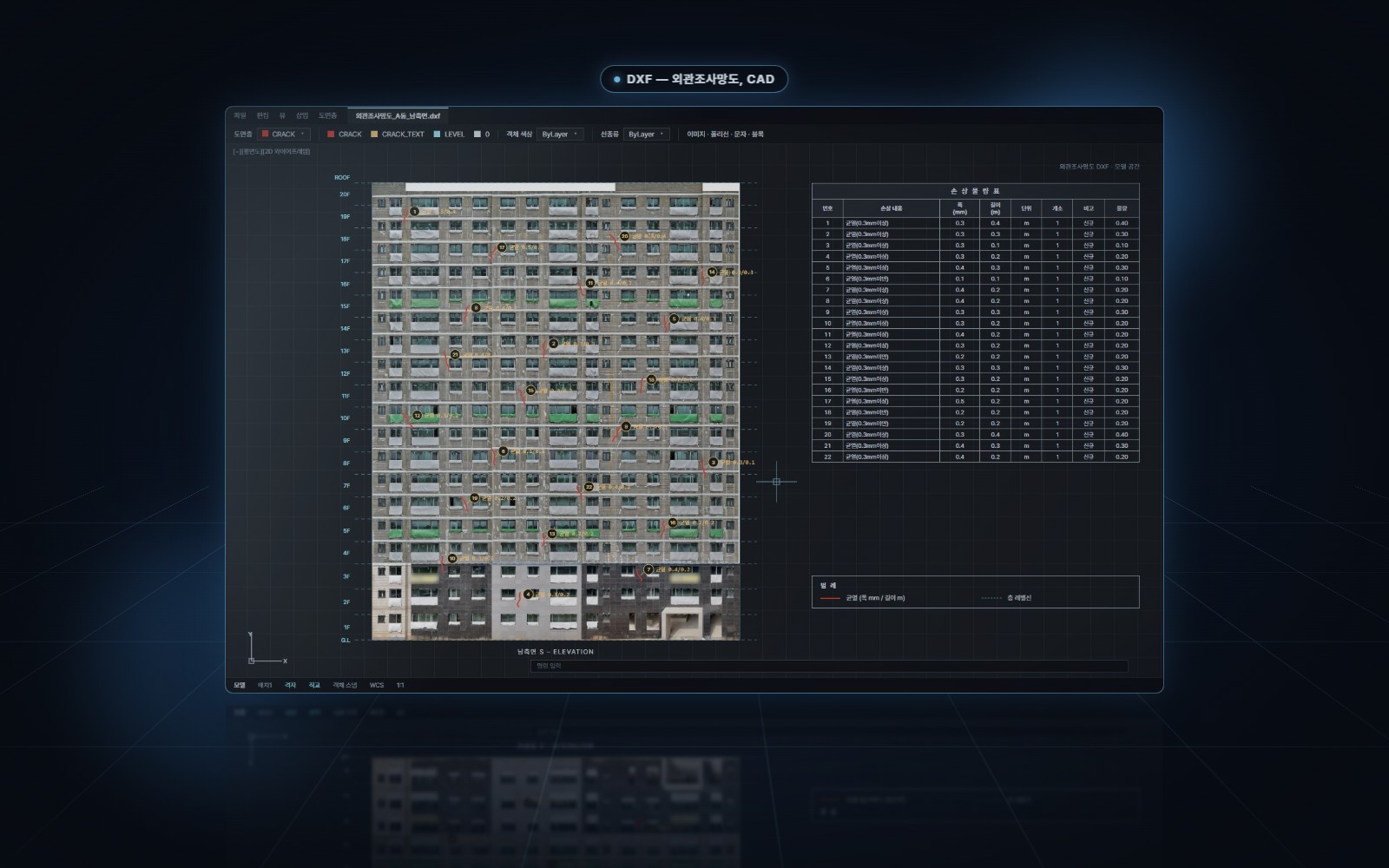
  • Analyzed photos placed at their real positions on the DXF drawing
  • Damage in overlapping photos managed as a group
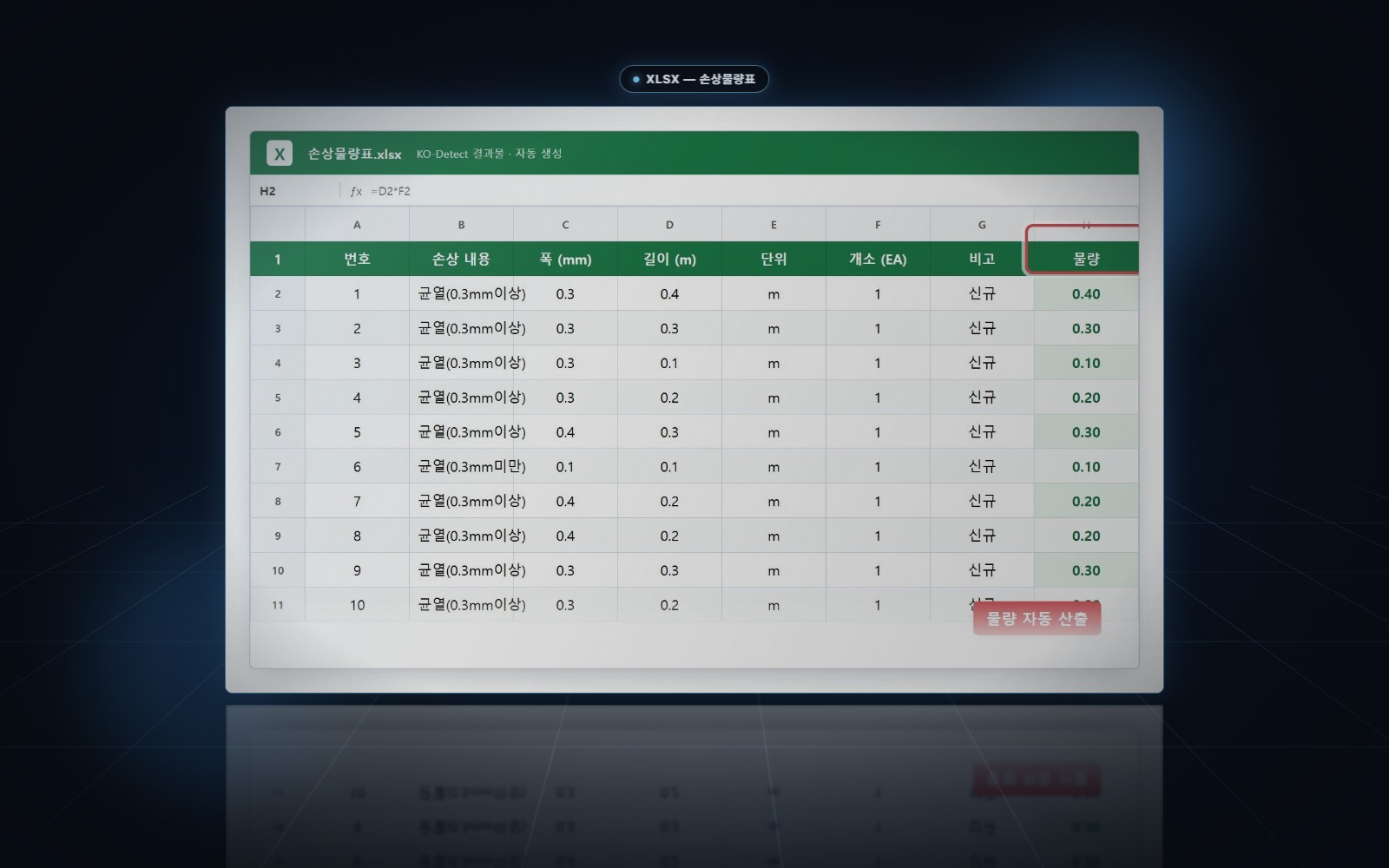
  • Photo numbers linked to the same numbers in the damage quantity table
06 / Deliverable export

Confirmed damage is exported as drawings, tables and photo sheets.

Drawings, tables and photo sheets are extracted together under the same damage numbers.

  • Pick only the deliverables you need in the export dialog
  • Choose which damage types appear in drawings and tables
  • Facade orthoimages saved as PNG or JPG

※ Photos to be stitched must overlap one another; stitching quality and processing time depend on shooting conditions, image count and resolution. AI analysis results and damage data are reviewed and confirmed by the user before deliverables are exported.

Data structure

Inspection records for the same structure are managed by round.

The base drawing is reused; photos and damage records are stored per inspection round.

  1. Facility and drawing

    Reused in the next inspection

  2. Photos and damage

    Stored by inspection date

  3. Round comparison and statistics

    See how damage changes and spreads

Outputs

Keep editing in CAD, Excel and Word.

Export the survey drawing, damage quantity table and photo sheet in the format you need.

Image

Facade orthoimage

Saves the stitched result as an image.

Excel

Damage quantity table

Tabulates the size and quantity of each damage.

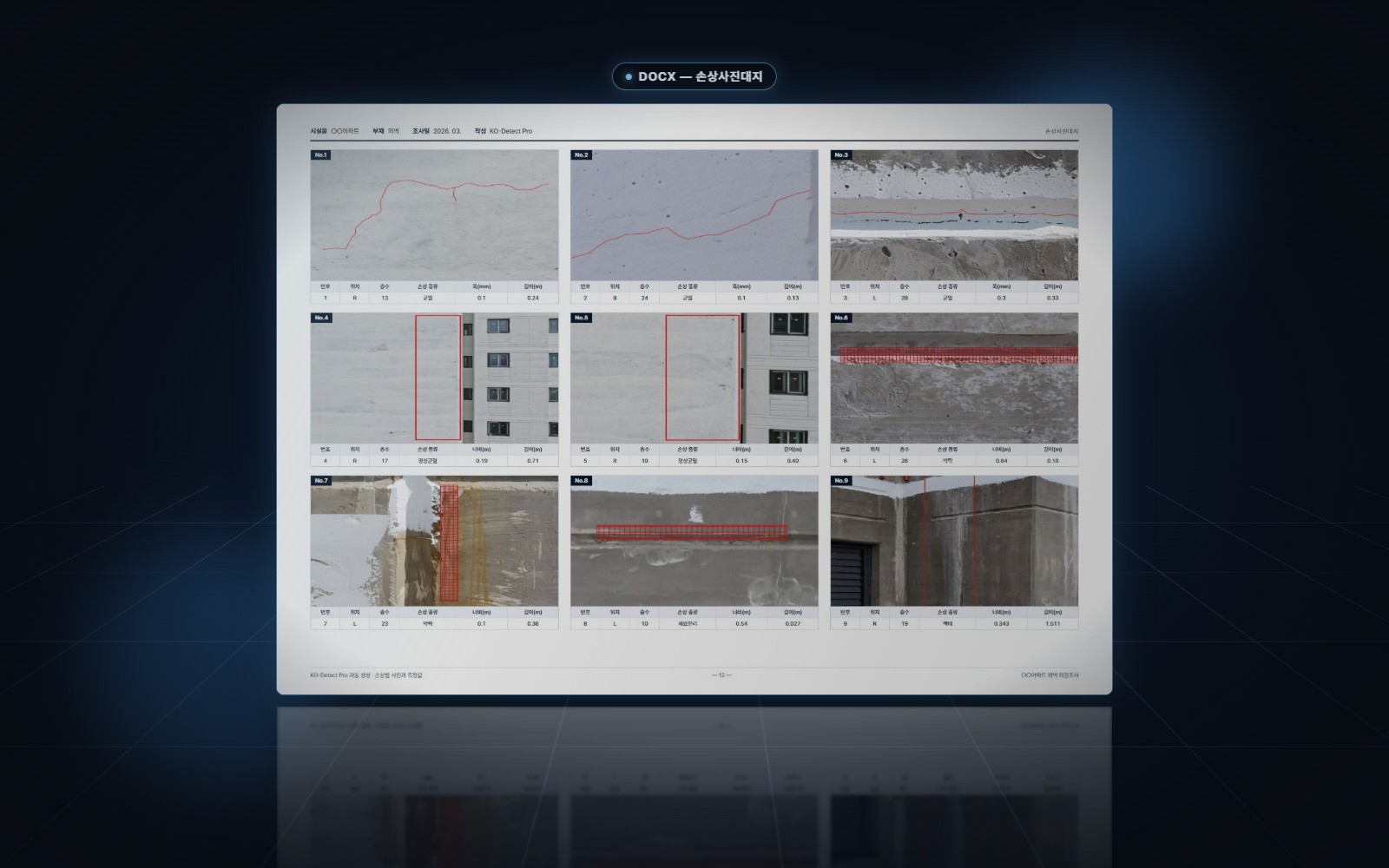
Word

Photo sheet

Compiles photos and details of each damage into a document.

DXF

Exterior survey drawing

Lays out damage locations and the quantity table on a drawing.

Operations

AI analysis and data management run on your own PC.

Runs on your PC

Facility data is never sent to an external server

Managed as a project folder

Keeps photos, diagnosis details and damage results

Copy the project folder

Automatic remote backup is not provided

Adoption

Talk to us about an adoption plan that fits your inspection scale.

We propose a scope based on your target structures, image volume and required deliverables.

What to check before the consultation

Facility scale

Type and number of target structures

Image volume

Images per round and their resolution

Scope of work

Deliverables needed and whether rounds repeat

Operating environment

Internal network setup and integration with existing systems

START WITH KO-DETECT PRO

Start analyzing your facility image data automatically today.

Ask about KO⁠-⁠DETECT PRO